

Allowlist and denylist
Section titled “Allowlist and denylist”The browser uses a two-layer security system to control which URLs can be accessed:
- Denylist: Denies dangerous or malicious URLs.
- Allowlist: Explicitly allows trusted URLs.
How it works
Section titled “How it works”Denylist
Section titled “Denylist”The denylist is maintained and enforced using the Google Superroots BadUrlsChecker service. When the browser attempts to navigate to a URL, it checks the hostname against the server-side denylist using an RPC.
Note: If the server is unavailable, access is denied by default.
Allowlist
Section titled “Allowlist”The allowlist is a local text file that you can edit to explicitly trust specific URLs.
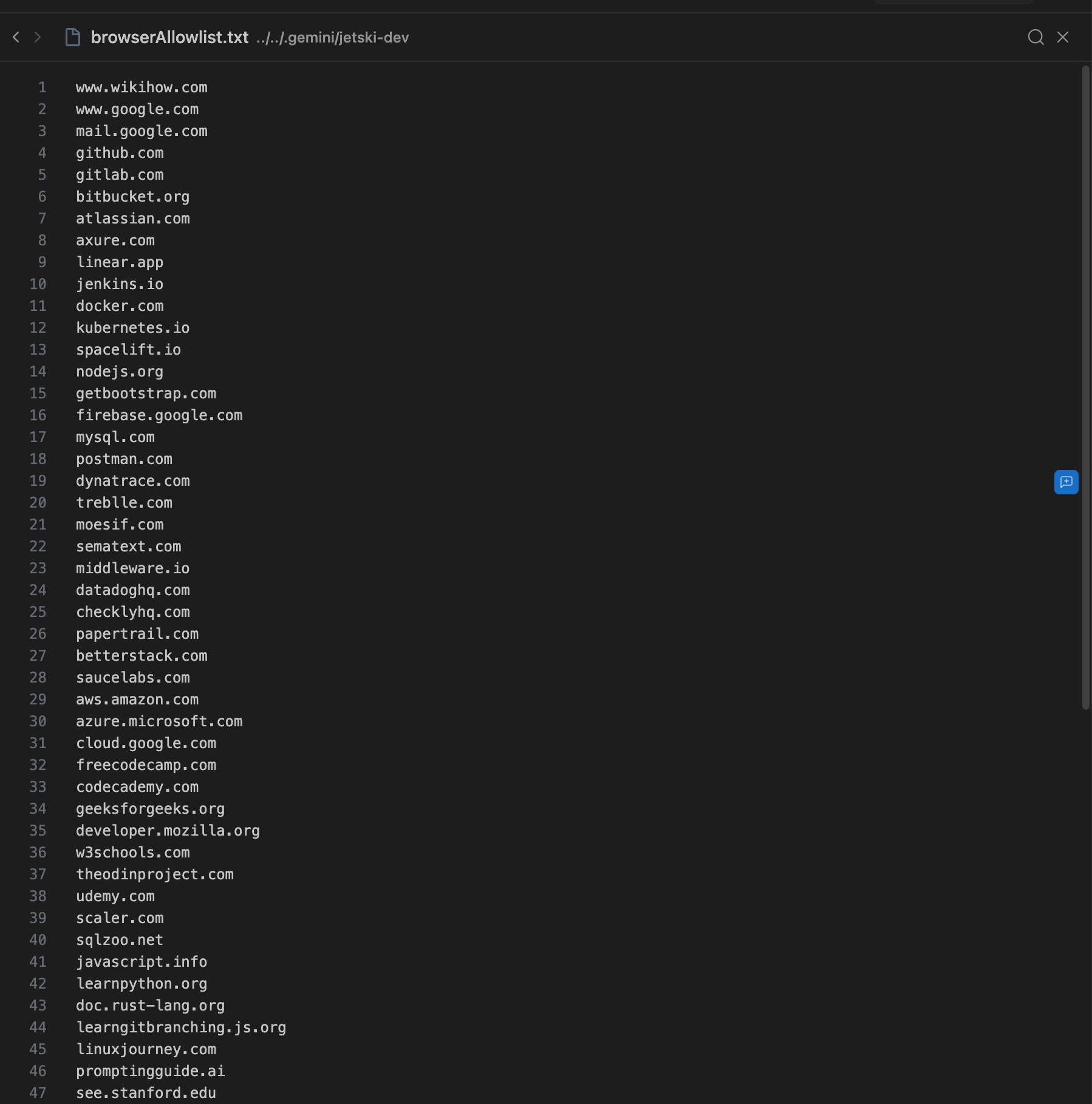
The allowlist is initialized with only localhost, and you can edit it at any time.
When the browser attempts to navigate to a URL that isn’t on the allowlist, it prompts you with an Always allow button. Clicking this button adds the URL to the allowlist and enables the browser to open and interact with the web page, as shown in the following example:
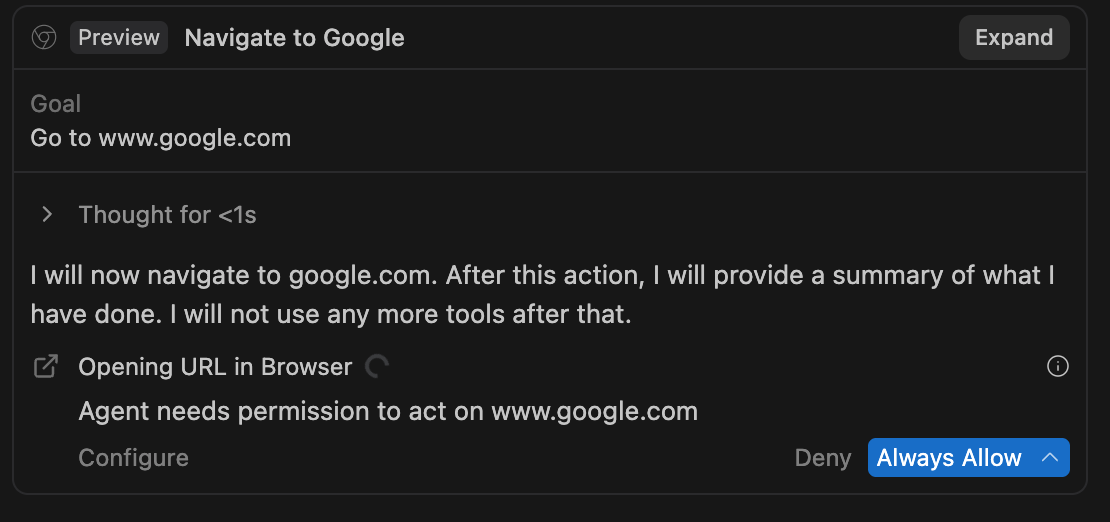
You can also add or remove URLs from the allowlist manually. However, the denylist always takes precedence: you cannot allowlist a URL that appears on the denylist.