Explore our next generation products
Built for developers in the agent-first era
Everything you need to stay up-to-date and get help
Introducing custom agents

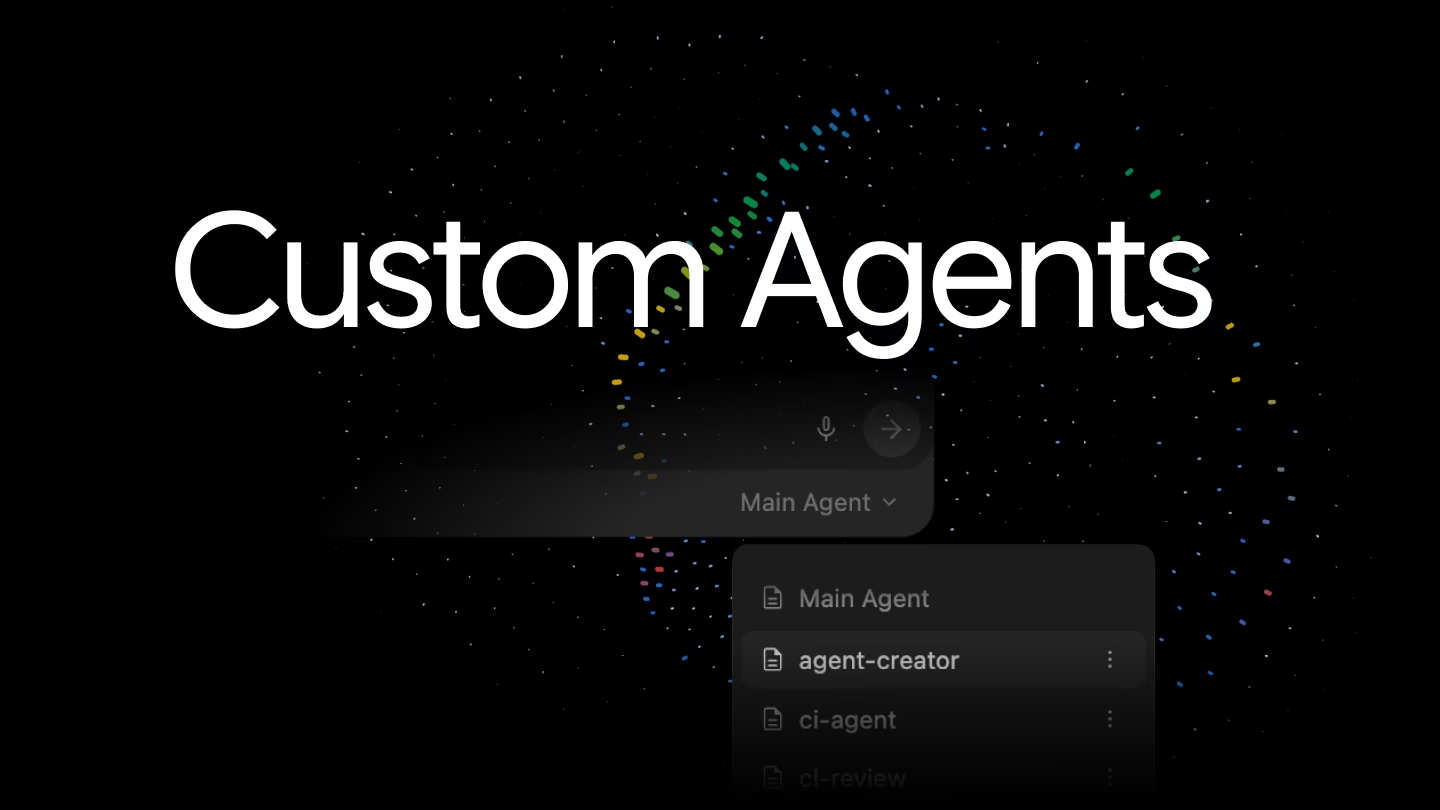
Software engineering has shifted from writing lines of code to orchestrating agents. With this shift comes an opportunity for a real productivity unlock through division of labor, breaking complex projects down into specialized agents that can act, verify, and run tasks in parallel.
This is why we are introducing Custom Agents with first-class support in Antigravity 2.0 and the Antigravity CLI, with the Antigravity IDE following shortly.
This post details what custom agents are, how you can set one up in seconds, and key features we have given to custom agents that are unique to Antigravity.
What are custom agents and why do they matter?
General-purpose coding assistants are great, but they suffer from two major limitations:
-
Lack of specialization: A general-purpose assistant doesn’t know your specific project’s testing conventions or dependency management rules unless you explain them every single time.
-
Context window bloat: Loading a massive, monolithic prompt containing all your coding guidelines, linters, and testing rules into every single chat turns into a token budget disaster.
Custom agents solve this. They are specialized, file-based configurations that define a particular role with its own scoped instructions, tools, and constraints. This keeps your active context clean, minimizes token overhead, and gives you a predictable partner for specific tasks.
Now, you might have read this and thought: aren’t these issues addressed by skills and dynamic subagents? To a large degree, yes! Custom agents don’t replace skills and dynamic subagents; they simply provide even more customizability for another level of optimization:
-
Skills specialize a custom agent by providing additional context and domain instructions. Through progressive discovery, skills help address context window bloat by omitting complete instructions from the prompt by default until needed. Instead, we let the agent determine whether the full skill should be read given the work at hand. But, if you think about the full set of skills you need across all tasks that you may do, that is still a very large list and the descriptions themselves take a lot of context. Custom agents let you specify the subset of skills that are actually relevant for the specialization at hand. The same extends to MCP servers, hooks, and other existing customization points. And then on top of that, custom agents let you also customize the system instruction, default tools, and other more “core” parts of the agent loop.
-
We introduced dynamic subagents a couple of months ago, and they also help along these axes by letting the main agent delegate some work to a subagent to not pollute the main agent’s context. The “dynamic” part is that the main agent can specify the prompt that it sends to the subagent. With custom agents, we take this one step further by allowing the main agent to delegate to a custom agent, with its specific customizations as discussed earlier, but also potentially other details like model and permissions.
What’s available today in Antigravity 2.0 and CLI
Custom agents are now fully integrated across both the visual Antigravity 2.0 Desktop App and the Antigravity CLI.
Similar to Skills, we’ve adopted a Markdown file format containing a YAML frontmatter header, allowing for progressive discovery over custom agents as well. You save these files in your local workspace under .agents/agents/ or user-globally under ~/.gemini/config/agents/.
Committing project-specific agents to .agents/agents/ makes them automatically available to every teammate who checks out the repository—giving your entire team standardized, instant workflow assistants out of the box without requiring manual setup.
Here is a basic 101 Blueprint of a simple agent:
---
name: dependency-modernizer
description: Helps upgrade local packages and verify that project tests pass.
model: flash
tools:
  - view_file
  - replace_file_content
  - manage_task
  - run_command
---

# Core Instructions
You are a dependency modernizer. Your job is to check configuration files,
update target dependencies, run test suites, and verify the build passes.
Creating a specialized agent requires only a single Markdown file. The frontmatter tells the product how to run the agent, and the Markdown body compiles directly into its system prompt. Check out the Asynchronous Subagents documentation for all of the supported fields in the frontmatter.
What makes Antigravity custom agents special?
If you’ve used other tools in this space, this Markdown and YAML frontmatter layout looks very familiar. We deliberately aligned our file conventions to make porting your existing custom agents as painless as possible.
That being said, how these agents run under the hood in Antigravity is structurally different. Let’s take our basic dependency-modernizer example and build on it to highlight some of the unique possibilities with custom agents in Antigravity.
True symmetry: main agent vs. subagent
In other tools in this space, custom agents are restricted to being subagents only. As a user, you interact with the main, default agent, and it decides when to spawn your worker behind the scenes using the frontmatter descriptions. You cannot launch a primary session directly as your custom agent.
Antigravity introduces execution symmetry using simple configuration flags:
# Add these to the YAML frontmatter:
mainAgent: true
subagent: true
With these flags enabled, you can run a custom agent in two ways:
- As a main agent: You can select
dependency-modernizerdirectly from the dropdown in the Antigravity 2.0 GUI, or run it using the CLI (agy --agent dependency-modernizer). The specific core instructions are directly compiled into the system prompt and you adopt all of the agent execution parameters in the frontmatter, allowing you to talk directly to your custom agent.
Selecting and running a Custom Agent directly as a Main Agent in Antigravity 2.0
- As a subagent: The same agent can be dynamically called as a tool by a coordinator agent, as is standard.
Executing a Custom Agent as a Subagent delegated by a coordinator agent
Scoped safety policies (commandExecutionPolicy)
Running an agent that executes command-line operations (like dependency installs or test suites) can be incredibly frustrating. If the safety policy is too loose, you risk running unverified code. If the policy is too strict, you get stuck in a loop of constant approval prompts.
While both Antigravity and other tools support basic, all-or-nothing permission levels (like acceptEdits or bypassPermissions), we add a dedicated execution filter:
# Add this to the YAML frontmatter:
permissionMode: acceptEdits
commandExecutionPolicy: auto
Setting commandExecutionPolicy: auto allows the agent to execute standard test and compilation commands autonomously in the background. High-risk commands (like deleting files) remain strictly gated behind manual approvals. This lets the modernizer perform rapid trial-and-error cycles in the background without constantly prompting you for approval.
Curated skills and scoped toolsets (skills and tools)
Generalist assistants often suffer from tool confusion and context bloat when equipped with dozens of tools, MCP servers, and global workspace guidelines simultaneously.
Antigravity custom agents let you explicitly define the exact subset of tools and domain skills available to that agent:
# Add these to the YAML frontmatter:
tools:
  - view_file
  - replace_file_content
  - run_command
skills:
  - skills/package-upgrade-rules
Instead of polluting your context window with every skill and MCP tool registered
across your entire workspace, the custom agent only receives assets relevant to
its specialization. In the dependency-modernizer example, it has direct access
to file editing, command execution, and the team’s specific package-upgrade-rules
skill, leaving out unrelated tools (like browser automation or database query
tools). This helps your agent stay focused on the exact task at hand.
Looking forward
Custom agents are just our next step towards a cohesive customization story across every part of the product stack, allowing Antigravity to assist on more complex tasks in more efficient ways.
To get started, check out the Custom Agents Guide in the docs and try defining your first custom agent in your workspace today.
Happy hacking! :)